1
2
3
4
5

Search Page
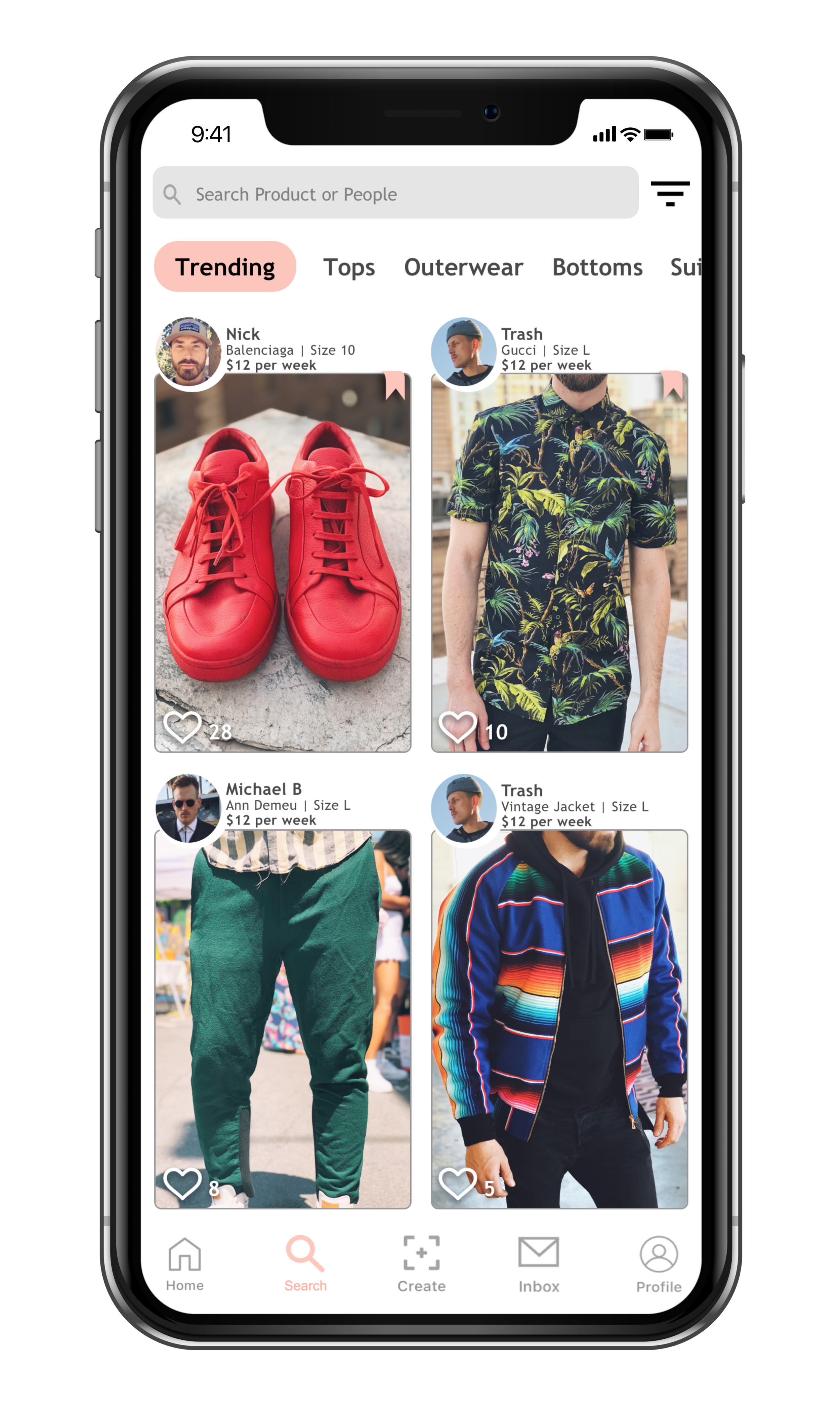
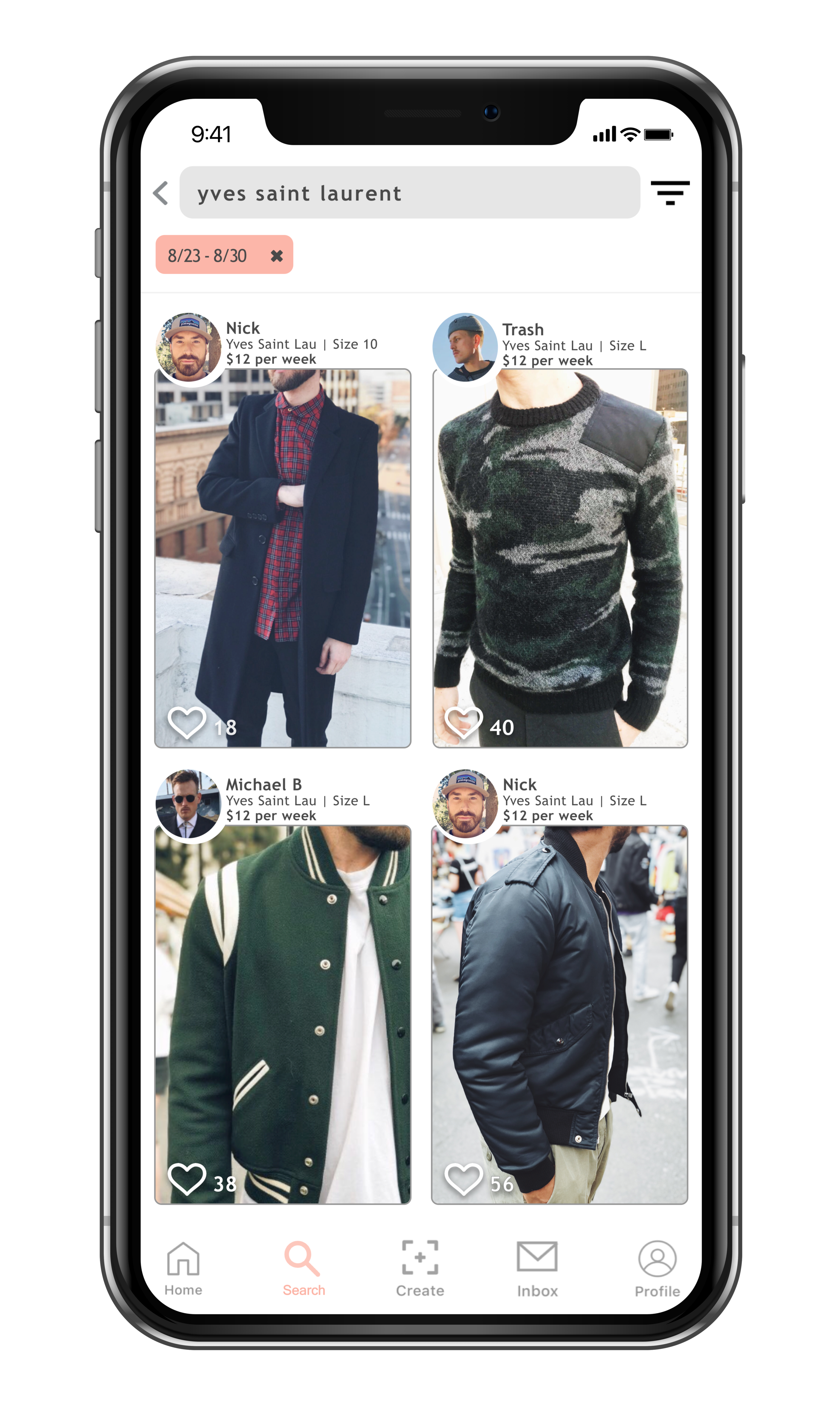
User profile: In hopes of building the community that the client requested, adding the user icon is a straightforward solution when it comes to using the search page. The search page is not just about displaying products; it is also about showcasing the people behind that item and their style. By including the lender's picture on the product, users can quickly identify the lenders they trust most and will also help them get familiarized with users of similar fashion style and their collection
Interactive Icons
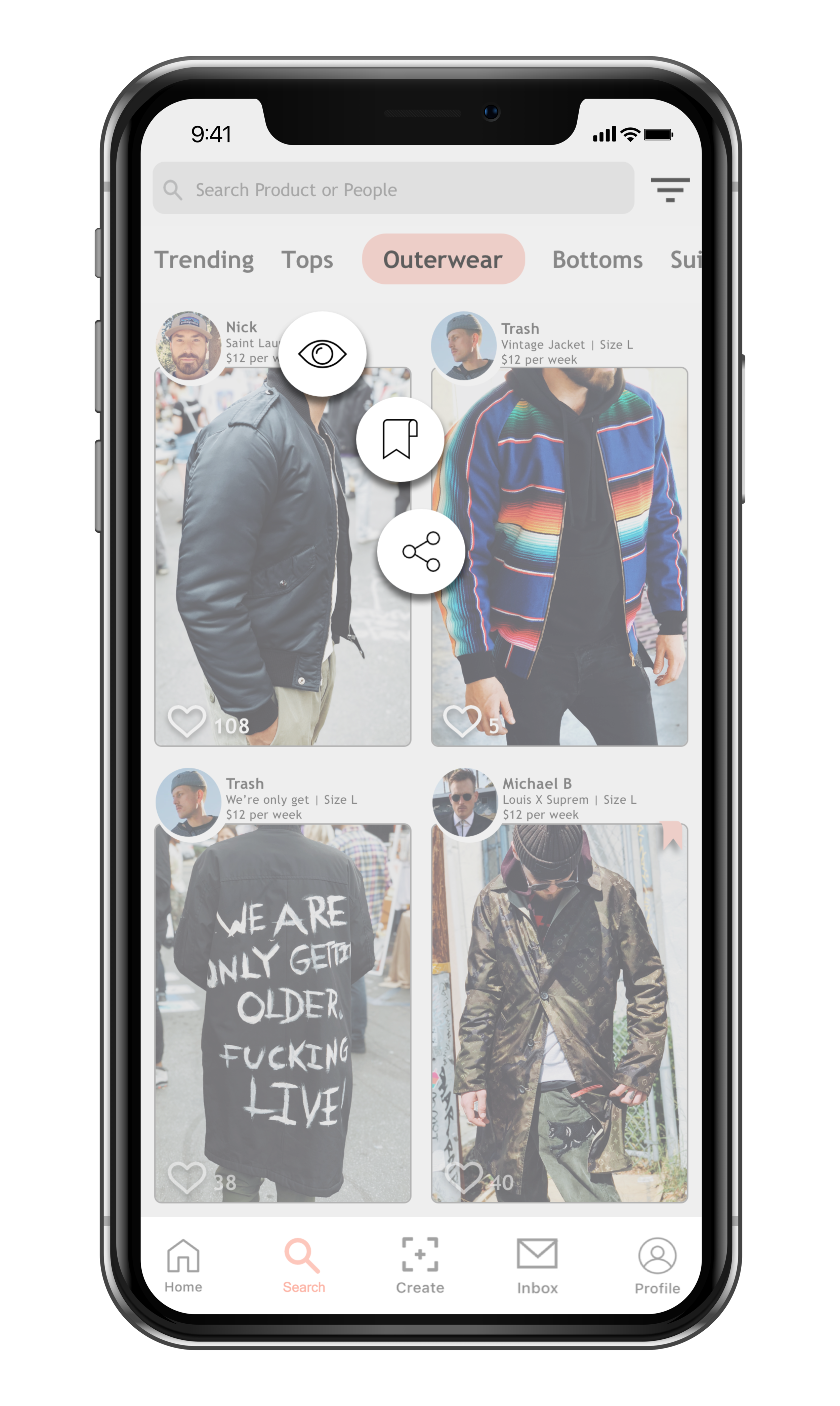
How can I make the search page interactive and easy to us:? With familiar icons and actions, I designed a one click interaction for users to be able to view, bookmark, and share a product.
Like: Double clicking the image is similar to instagram of like an image.
Search Box Nav
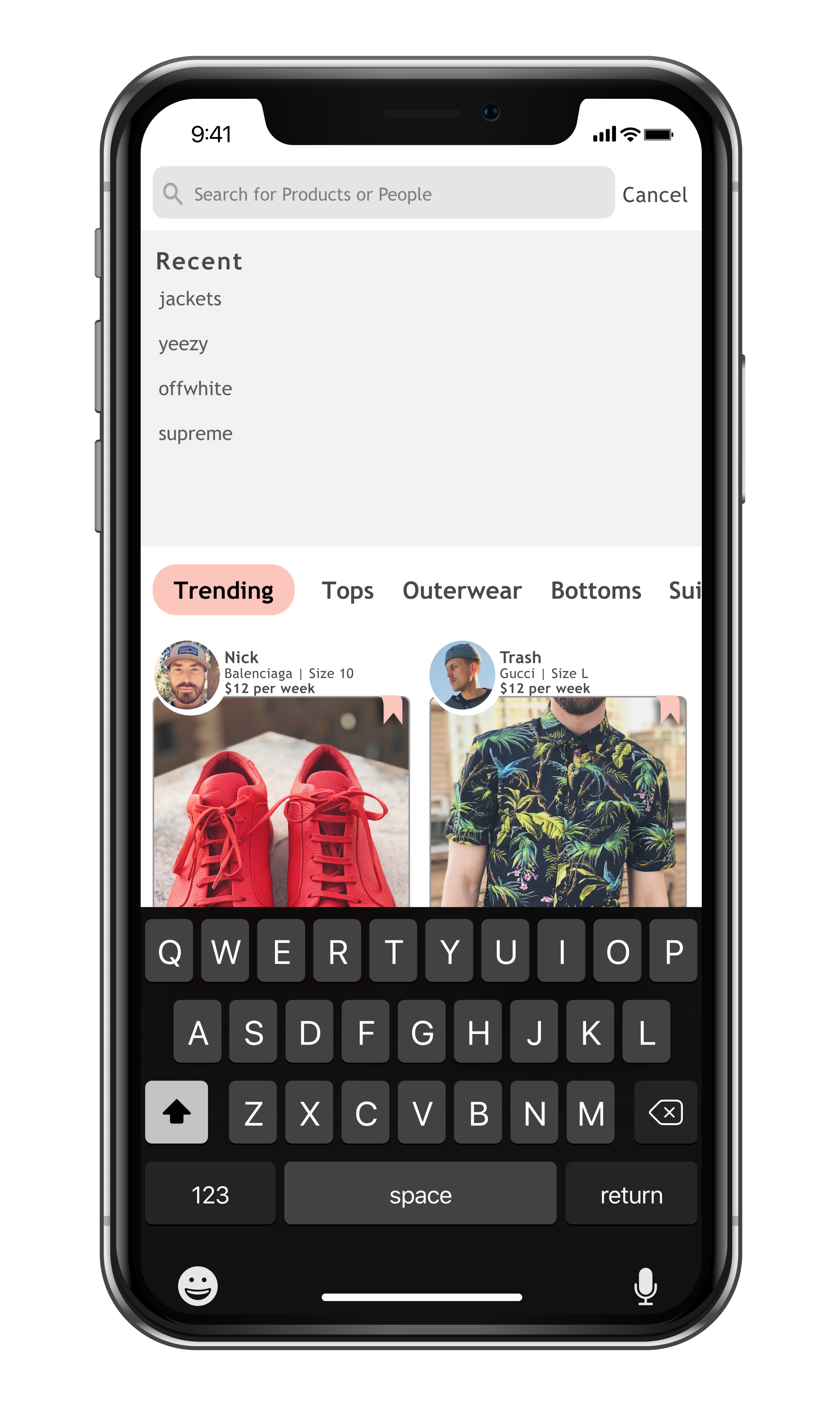
When using the search box I wanted to it flow easily. When users utilize the search box, the search page will come down and recent searches will also appear by navigating down from the search box.
Filters and Sorting
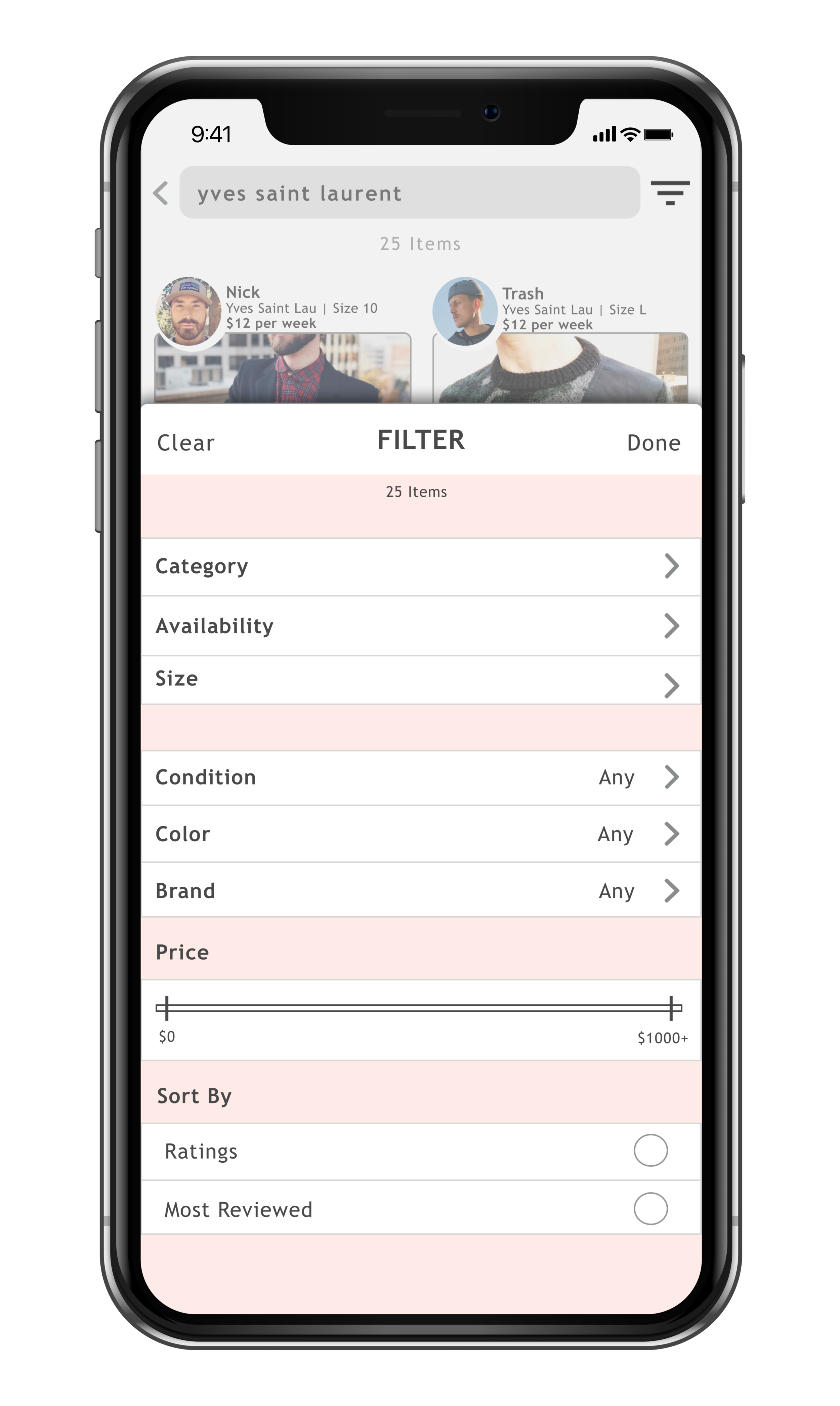
List of Filters: From our user interviews, we were able to gained insight on the most useful filters that our users find vital when looking for products.
SlideOver Onscreen Filtering: We do not have a long list of filtering options so I decided to use a slideover. It helped maintain context on the displayed results.
Price Slider Control: Instead of taking up valuable real-estate, I kept the numbers low and used a slide UI control to make it easier for the users to select their price range.
Results
It's important to let users know about their choices so I used a horizontal slider as a feedback that the filters they selected worked. Users can also quickly remove any filters they do not want just by pressing X.